
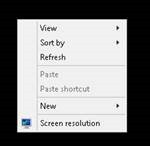
Right click on the desktop after you have RDP into the session to bring up the SCREEN RESOLUTION menu.
Type in MOUSE into the search box in the top right, then click on CHANGE MOUSE SETTINGS.
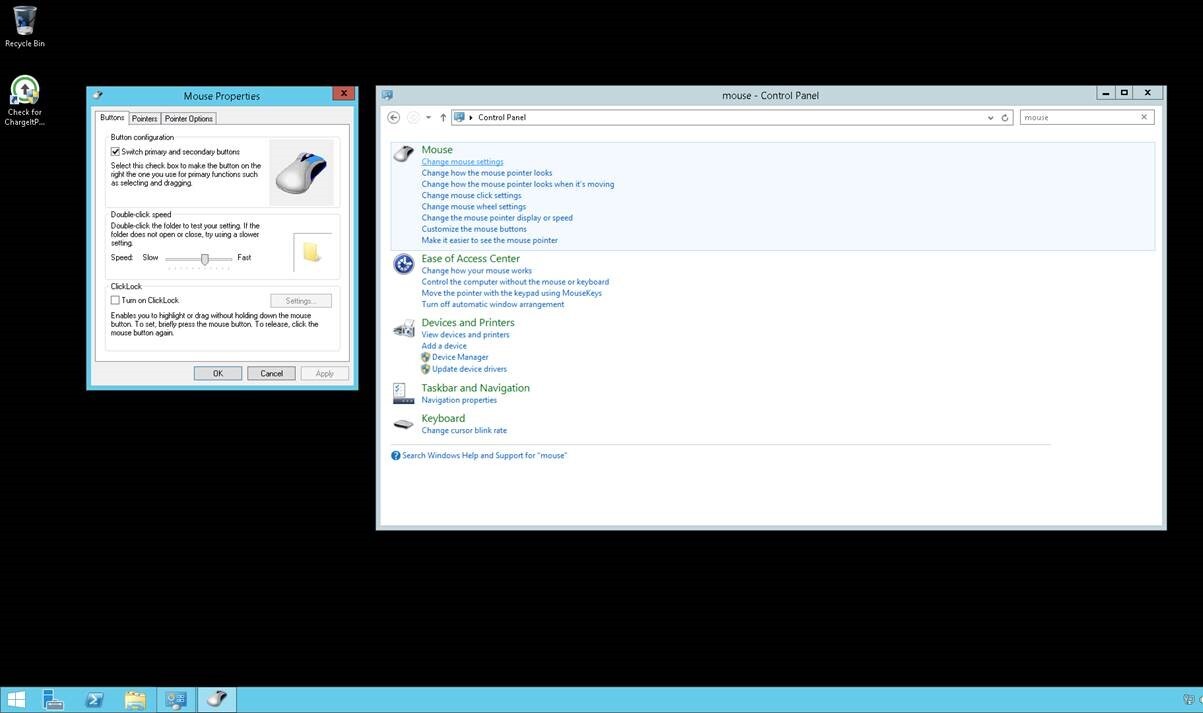
Change the BUTTON CONFIGURATION and click OK and APPLY.