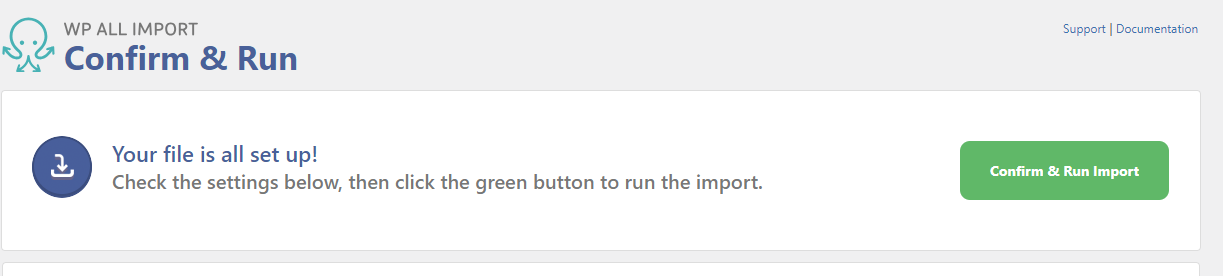
Use the following details to manually run your import file from iMRCHNT into your WordPress website.
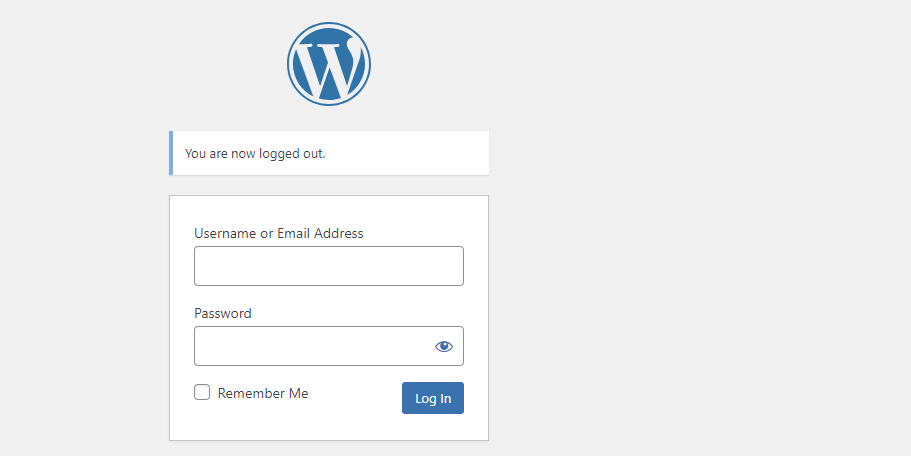
Log into your website's administrator panel
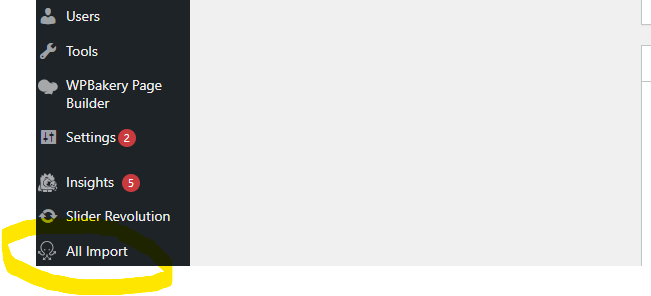
Once logged in, scroll down and on the left panel you will see All Import. Mouse over these words and then click Manage Imports
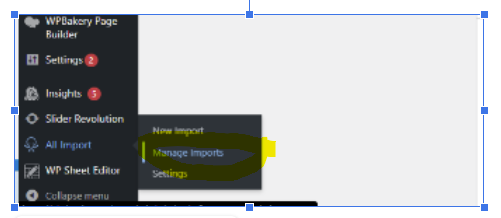
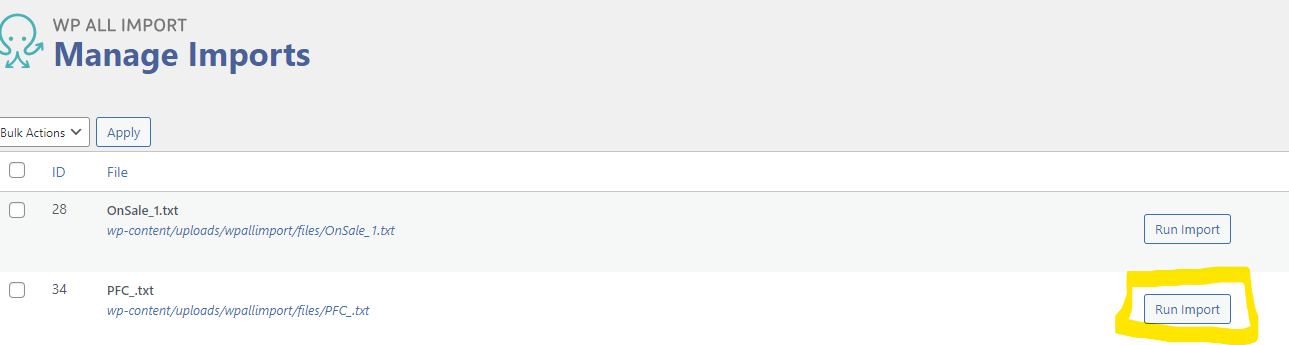
Next, click on the button Run Import next to the file you want to import into your website.
Lastly, click Confirm & Run Import