
Use the POS Server Finder to import offline sales into your IMerchant database.
To find your offline servers, go to:
TOOLS > ADMINISTRATION > POS Servers (Off-Line Servers)
Highlight an off-line server from the list and
click "IMPORT OFF-LINE SALES" To get started.

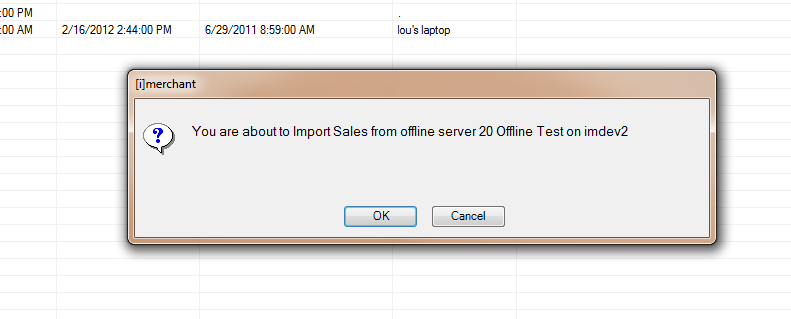
Next click OK to continue the import process.
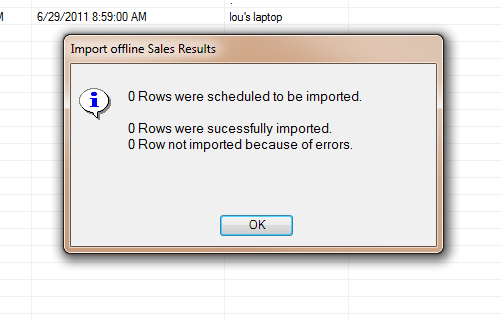
You will receive a status message explaining how many rows were imported along with successful and errors while importing. Click OK to close import process.
Off-line sales also can be automatically scheduled to import back into IMerchant once they reconnect to the internet. Pushing the new sales into IMerchant via a scheduled task, IMerchant server can run its daily reports then push the on hand quantities back to the off-line server for up to date quantities.