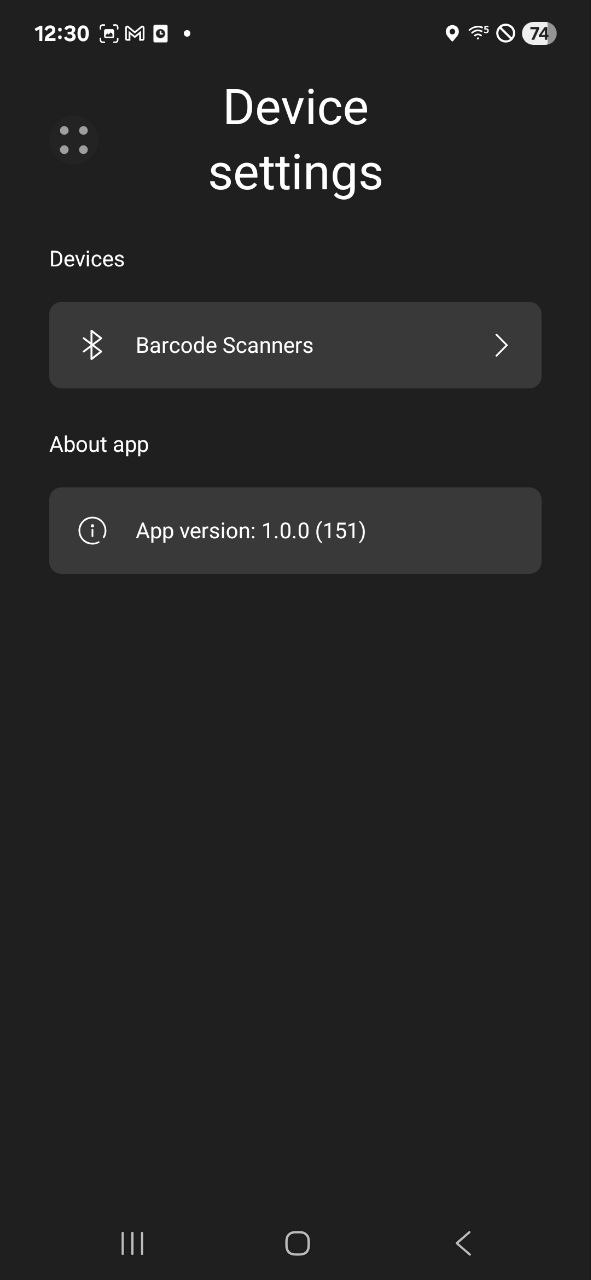
The app version will show up depending on which platform you are using the app on.
Card Reader Android App
You can see the version at the very start of the Point of Sale process where you will either Start Sale or Continue Sale. At the very bottom you will notice 1.0.0 (153) this is version the app is running on.
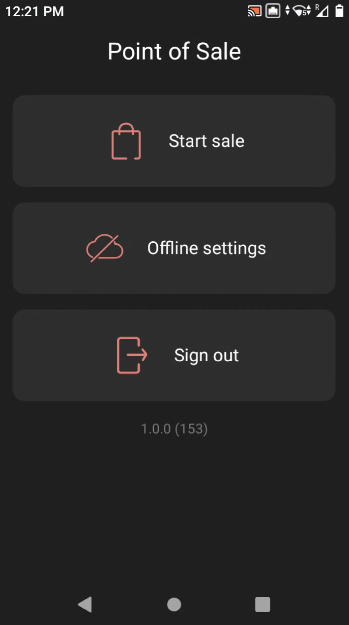
Android / iOS Phone or Tablet App
Home > Device Settings
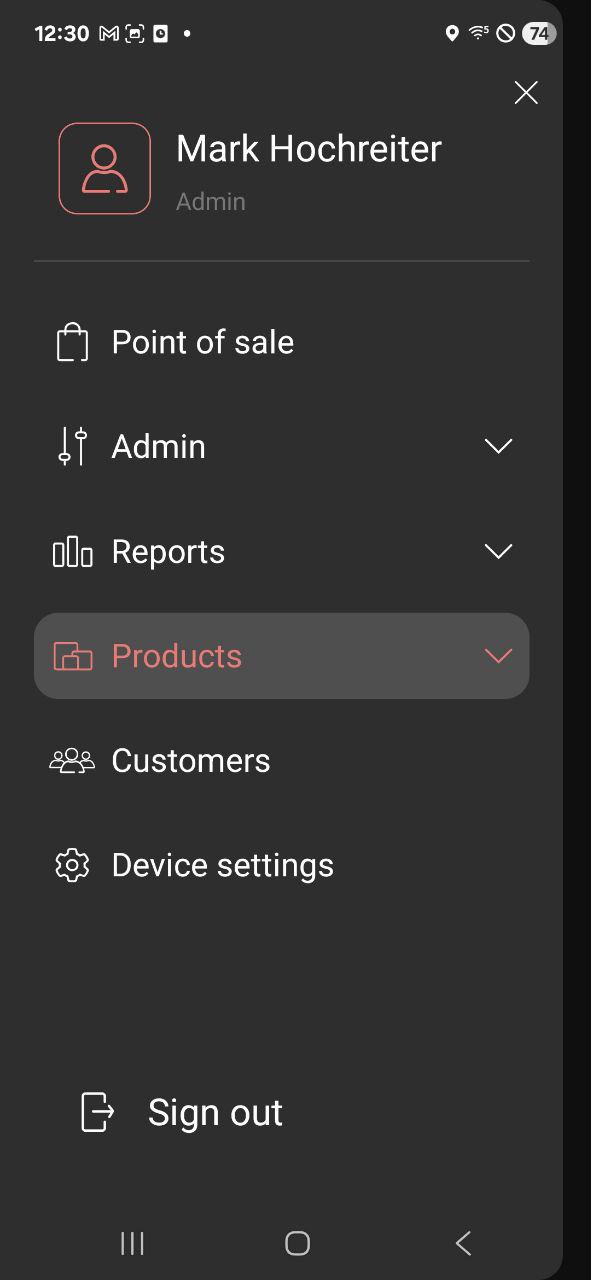
About App > App Version